Joining an existing organisation
Accept an invitation and understand what you can access based on your role.
Receiving an invitation email
If your organisation has invited you to the portal, you will receive an invitation email in your inbox.
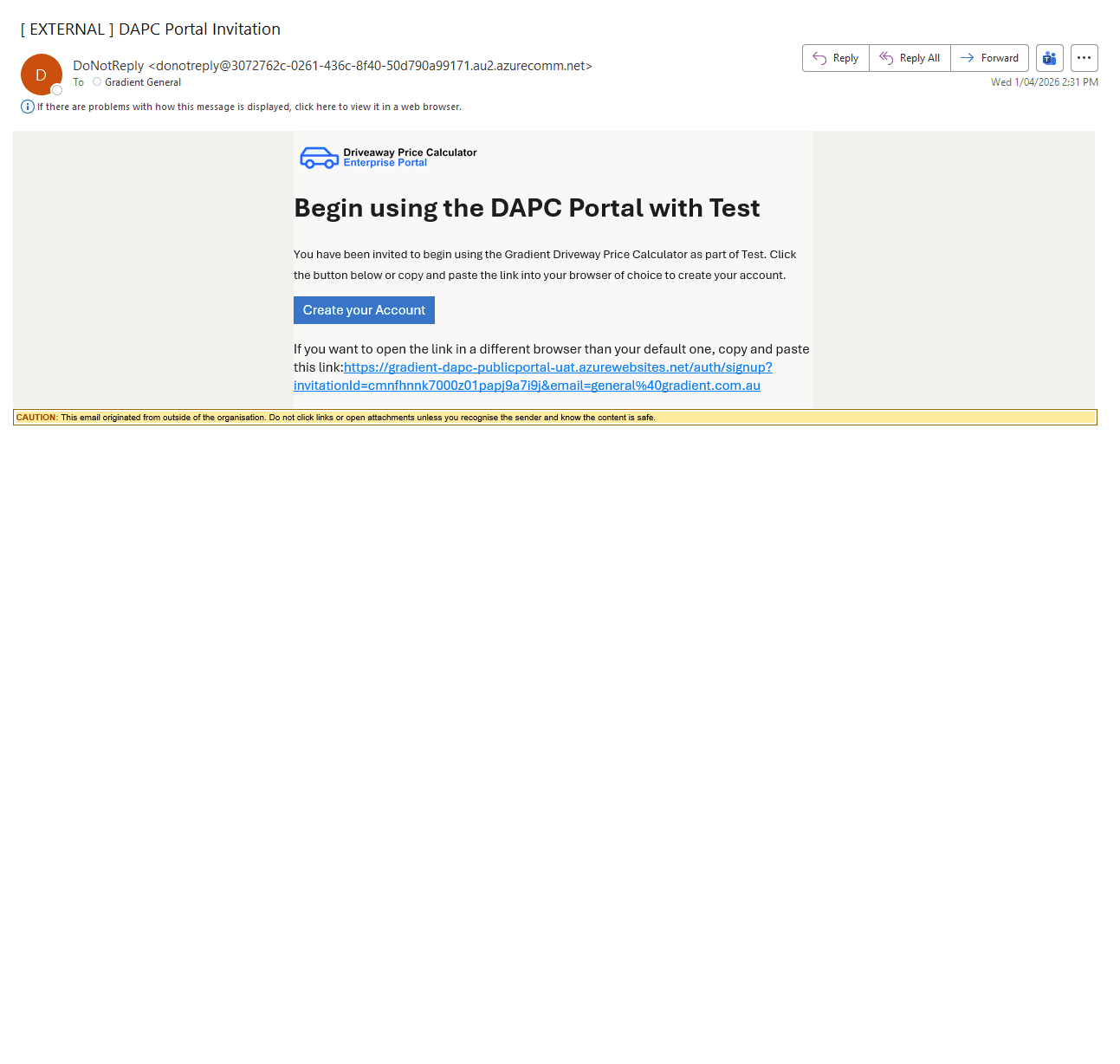
Please note this is the only way to join an existing organisation as you cannot do so directly on the site.
Creating your account
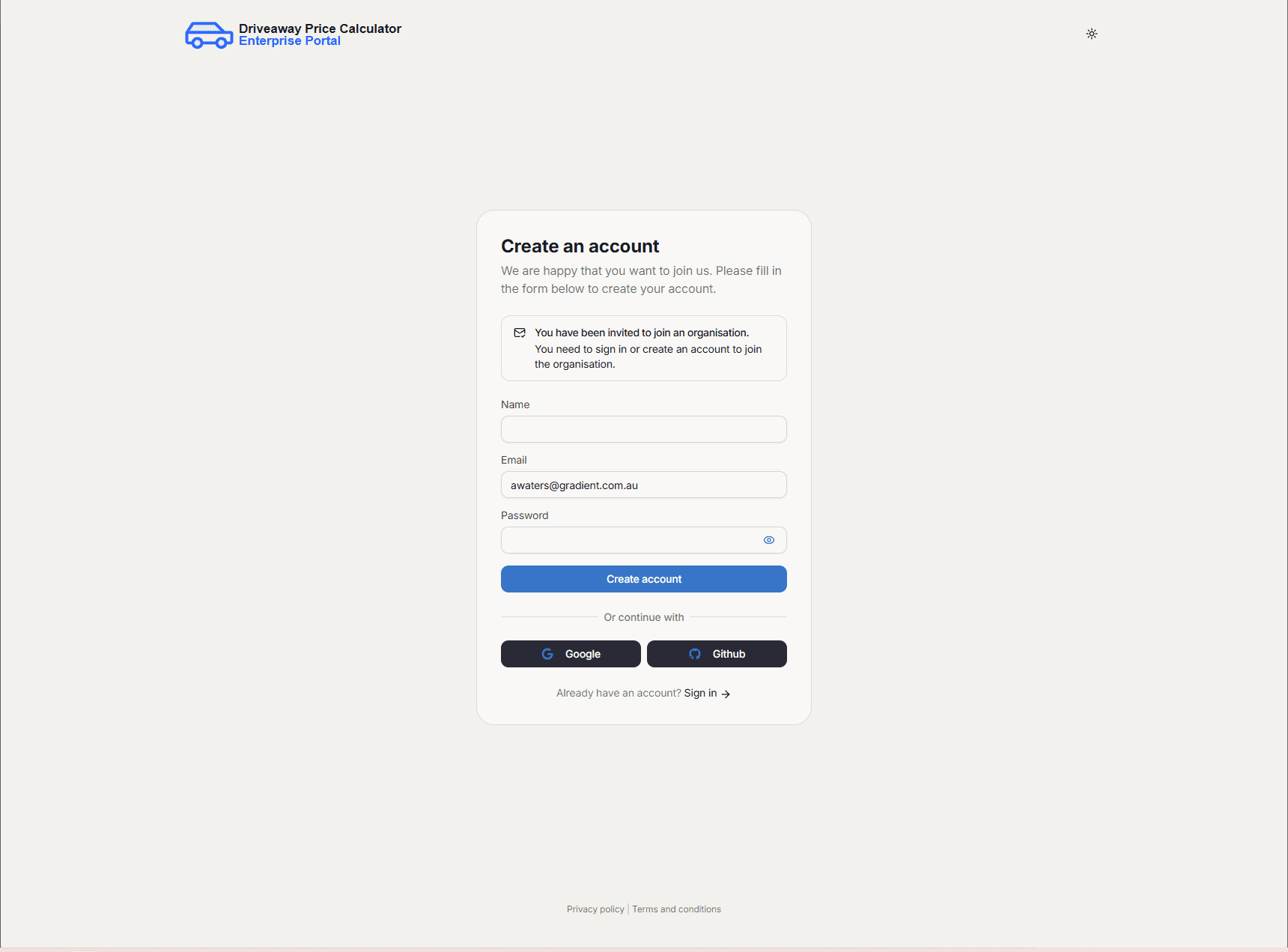
By following the link on the invitation email, you will be forward to the screen below.
Follow the prompts to fill in your details and create your account.
Depending on the permissions given to you by the owner, you will have access to certain features. Permission levels are described under Organisation management.
Joining a second organisation
The Enterprise Portal unfortunately doesn't support one user being registered to multiple organisations.
To join a second organisation, you would need to be removed from the current organisation then be invited to the second.
Please note that this will remove all user history, including calculations and vehicles.