Manage members
Invite members and manage permissions.
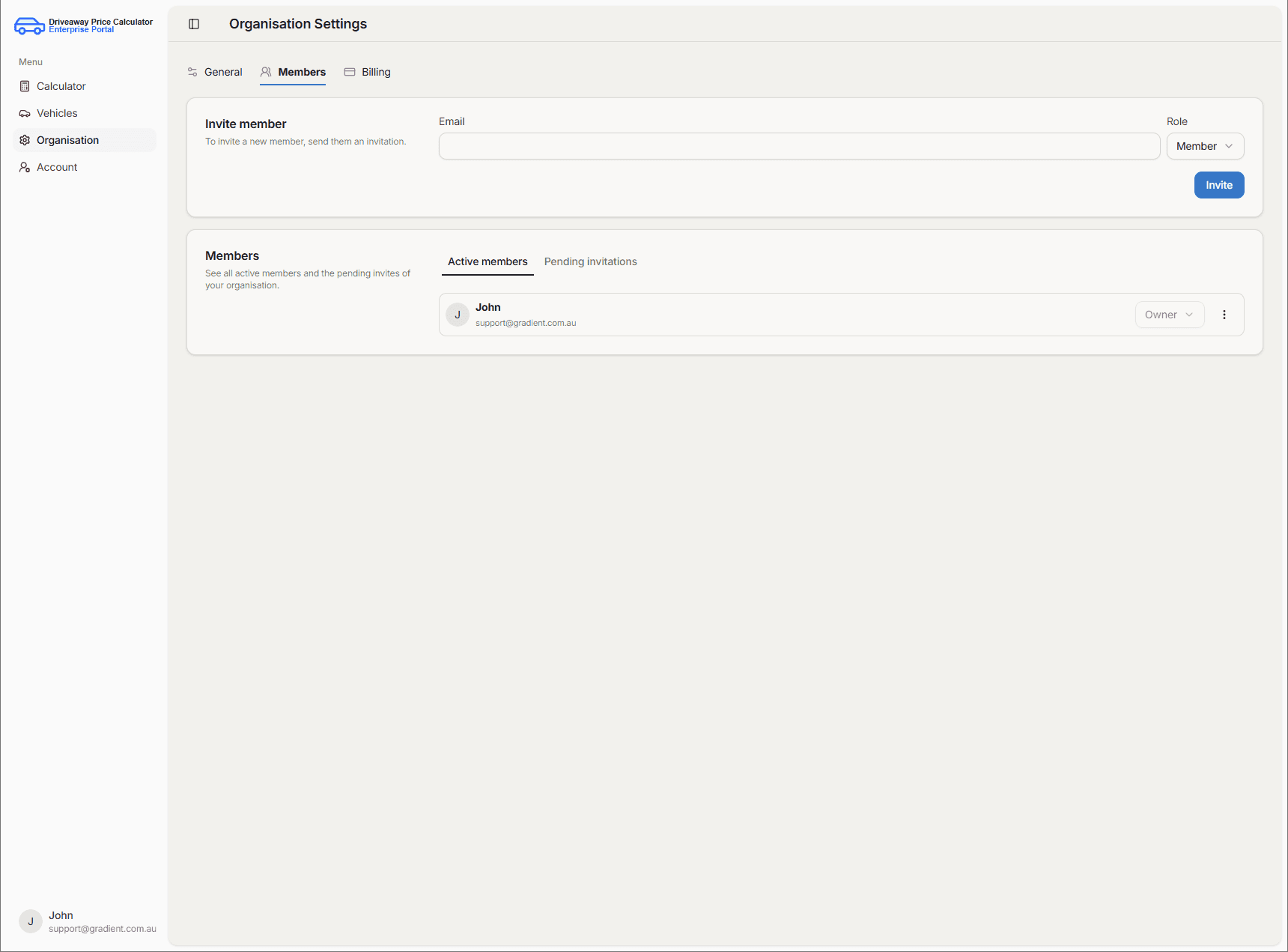
Inviting a member
Use Invite member, enter the person's email, and choose their permission level.
Invites stay under Pending invitations until the user accepts and joins.
Permissions
Owners can change any member's role at any time from Active members.
The permission levels are as shown below:
| Permission level | Access |
|---|---|
| Owner | Full access to all features. |
| Admin | Nearly full access; only owners can change payment details. |
| Manager | Can manage the vehicle list and run calculations. |
| Member | Can run calculations only. |
Removing a member
Remove a member via the row actions (Remove member).